


Dive into the exciting world of AI agents and their communication infrastructure. By the end of this blog post series, you’ll be able to demystify AI agents, understand the roles of MCP servers and clients in LLM ecosystems, and learn how they enable seamless interaction between different AI components.
This blog post series covers the following topics.
1. Introduction to AI Agents. (Part 1 )
2. Large Language Models Overview (Part 1)
3. Model Context Protocol Fundamentals (Part2 – You are here)
4. MCP Servers and Clients (Part2 – You are here)
5. Integrating MCP with AI Agents ( Part 3 )
6. Advanced MCP Applications ( Part 3 )
3. Model Context Protocol Fundamentals
3.1 Connecting AI to the World
An AI agent, especially one powered by a Large Language Model, is incredibly capable. It can reason, plan, and generate text. But on its own, it’s like a brilliant brain in a jar, disconnected from the outside world. To perform useful tasks—like checking the weather, booking a flight, or accessing a company’s database—it needs a way to interact with external tools and services.

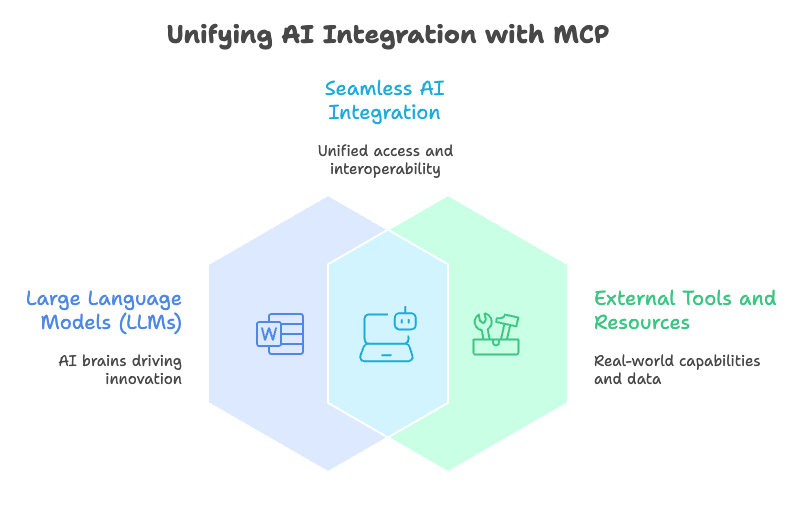
In the past, connecting an AI to each new tool required a custom, one-off integration. This was slow, brittle, and didn’t scale. If you wanted your AI to use ten different tools, you might have to build ten different connectors. What was needed was a universal standard, a common language for AIs and tools to communicate.
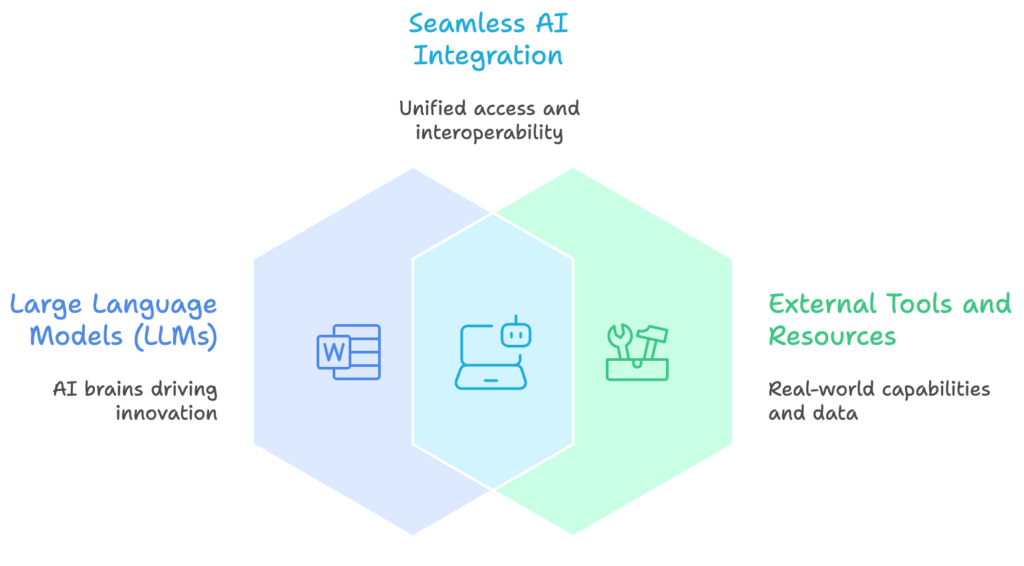
The Model Context Protocol (MCP) has been proposed as a unifying standard for connecting large language models (LLMs) with external tools and resources, promising the same role for AI integration that HTTP and USB played for the Web and peripherals.
arXiv
Think of MCP as a universal adapter for AI. Just as a USB cable lets you connect countless devices to your computer without needing a special plug for each one, MCP provides a standard way for any AI agent to connect with any tool that also speaks the MCP language.
3.2 How MCP Works
MCP uses a simple but powerful client-server architecture. In this setup, the AI agent or the application controlling it acts as the client. It’s the one making requests.
The external tool, database, or API is wrapped in a lightweight service called an MCP server. The server’s job is to expose the tool’s capabilities in a standardized format that the client can understand. It listens for requests from the client, executes the requested action using the tool, and sends the result back.

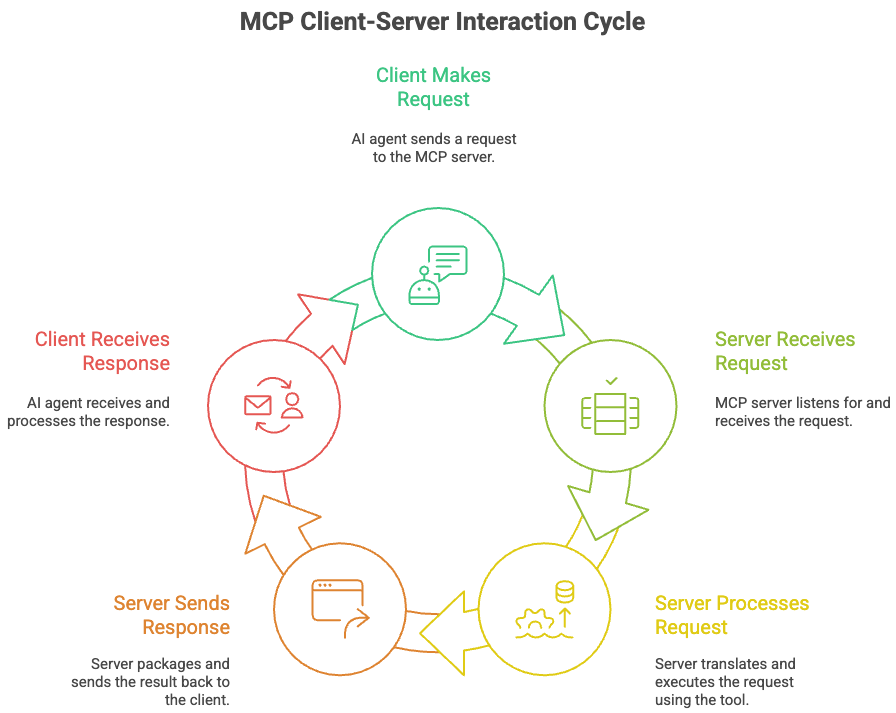
For example, an AI travel agent might send a request to a flight-booking MCP server asking for available flights. The server translates this request into a query its internal system can understand, finds the flight data, and then packages the results into a standard MCP response to send back to the AI agent.
3.3 The Power of a Standard
The introduction of a standard protocol like MCP has significant benefits for building complex AI systems.
Standardization: Because all components speak the same language, developers don’t have to write custom code for every new tool. An AI model that can talk to one MCP server can talk to any MCP server.
——————————————————————————————————
Modularity: Systems become more like building with LEGO bricks. You can easily add, remove, or swap out tools. If a better weather API comes along, you can simply replace the old MCP server with a new one without having to rebuild the entire agent.
——————————————————————————————————-
Scalability: Adding new capabilities to an AI agent becomes straightforward. Need access to a new database? Just deploy an MCP server for it. This makes it much easier to build sophisticated agents that can perform a wide range of tasks.
By standardizing the communication layer, MCP allows developers to focus on what the AI agent should do, not on the messy details of how it connects to the tools it needs to do it.
MCP provides the crucial bridge between an AI’s reasoning capabilities and its ability to take action in the digital world, paving the way for more powerful and flexible AI agents.
4. MCP Servers and Clients
4.1 The Client-Server Duo
The Model Context Protocol (MCP) operates on a classic client-server model, a familiar pattern in computing. Think of it like ordering food at a restaurant. You (the client) tell the waiter (the server) what you want, and the waiter brings it to you from the kitchen (the external tool or data source).
MCP follows a client–server model:The MCP-Client connects to the LLM.The MCP-Server exposes tools, resources, and structured context.
MCP-Builder AI
An MCP server acts as the gateway between an AI agent and the outside world. Its main job is to expose specific capabilities, like accessing a database, interacting with a software API, or reading files. The server packages these tools in a standardized way so that any AI agent that speaks MCP can understand and use them. It doesn’t perform the agent’s reasoning; it simply provides the tools the agent needs to act on its decisions.

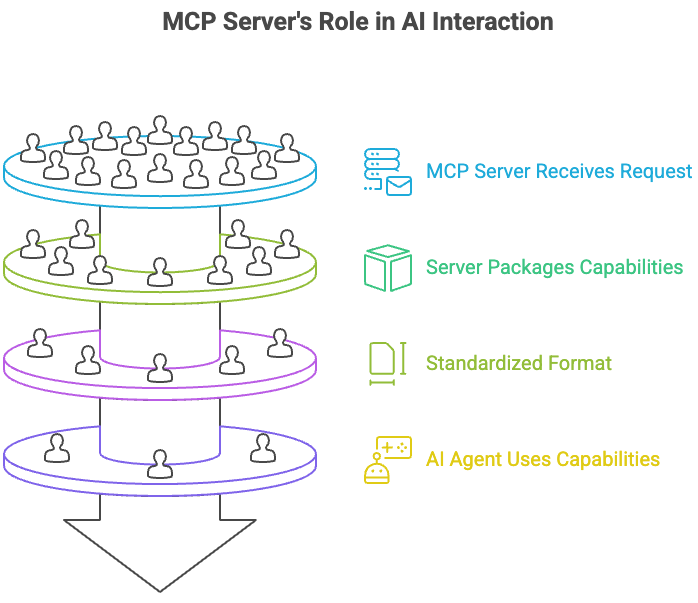
A single AI agent might connect to multiple MCP servers at once, giving it access to a wide array of tools for different tasks, from checking the weather to searching a corporate database.
The MCP client, on the other hand, lives within the AI agent. It’s the part of the agent that communicates with MCP servers. When the agent’s reasoning module decides it needs to perform an action, the client is responsible for finding the right server, formatting a request, sending it, and then interpreting the response. The client is the proactive component, seeking out the resources it needs to accomplish a goal.
4.2 A Common Language
For clients and servers to communicate effectively, they need a shared language and set of rules. MCP uses JSON-RPC 2.0 for this. It’s a lightweight remote procedure call (RPC) protocol that uses JSON (JavaScript Object Notation), a simple, human-readable data format.
In this setup, the client sends a request object to the server to execute a specific method, or function. The server then processes the request and sends back a response object containing the result. This simple, structured exchange ensures that both sides understand each other perfectly.
// Client sends a request to a server
{
  "jsonrpc": "2.0",
  "method": "file.read",
  "params": {"path": "/home/user/notes.txt"},
  "id": 1
}

// Server sends back a response
{
  "jsonrpc": "2.0",
  "result": "This is the content of the file.",
  "id": 1
}
4.3 Finding and Trusting Tools
An AI agent can’t use a tool it doesn’t know exists. This is where server discovery comes in. MCP servers need a way to announce their existence and capabilities. This can be handled through a central registry where servers register themselves, or through network discovery protocols where clients can scan for available servers.

Once a server is discovered, the client can query it to learn what tools it offers. This allows an AI agent to dynamically incorporate new tools without needing to be reprogrammed.
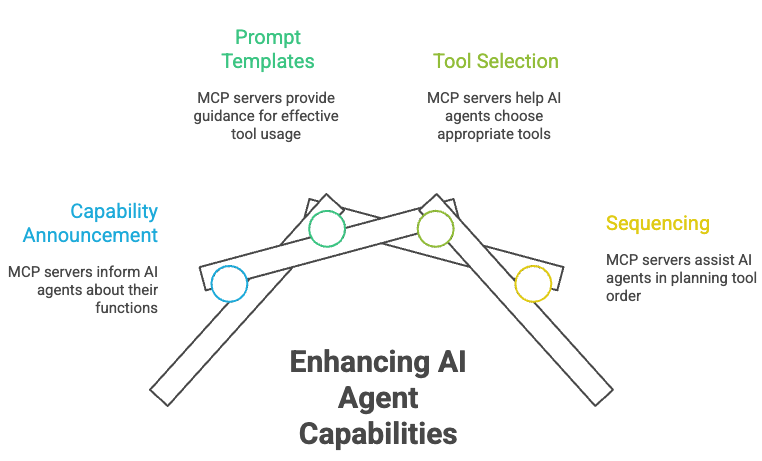
MCP servers announce their capabilities to AI agents and can offer prompt templates that help agents understand how to effectively access tools and data, enabling agents to reason about which tools to use and how to sequence them for effective planning.
Elevin Consulting
This process also involves a critical security step. Connecting an AI to external tools can be risky, so interactions must be secure. MCP interactions are typically protected using Transport Layer Security (TLS) to encrypt the data in transit, just like how your web browser secures your connection to your bank’s website.
Authentication is also key. The server needs to know it’s talking to a legitimate client, and the client needs to trust the server. This is often handled using API keys or tokens. The client presents a token with its request, and the server validates it before proceeding. This ensures that only authorized AI agents can access specific tools, preventing misuse.